Simply Business Policy Management: COI Access and Account Login
Log in or create an account to easily access your Certificate of Insurance (COI), policy documents, billing information, and more.
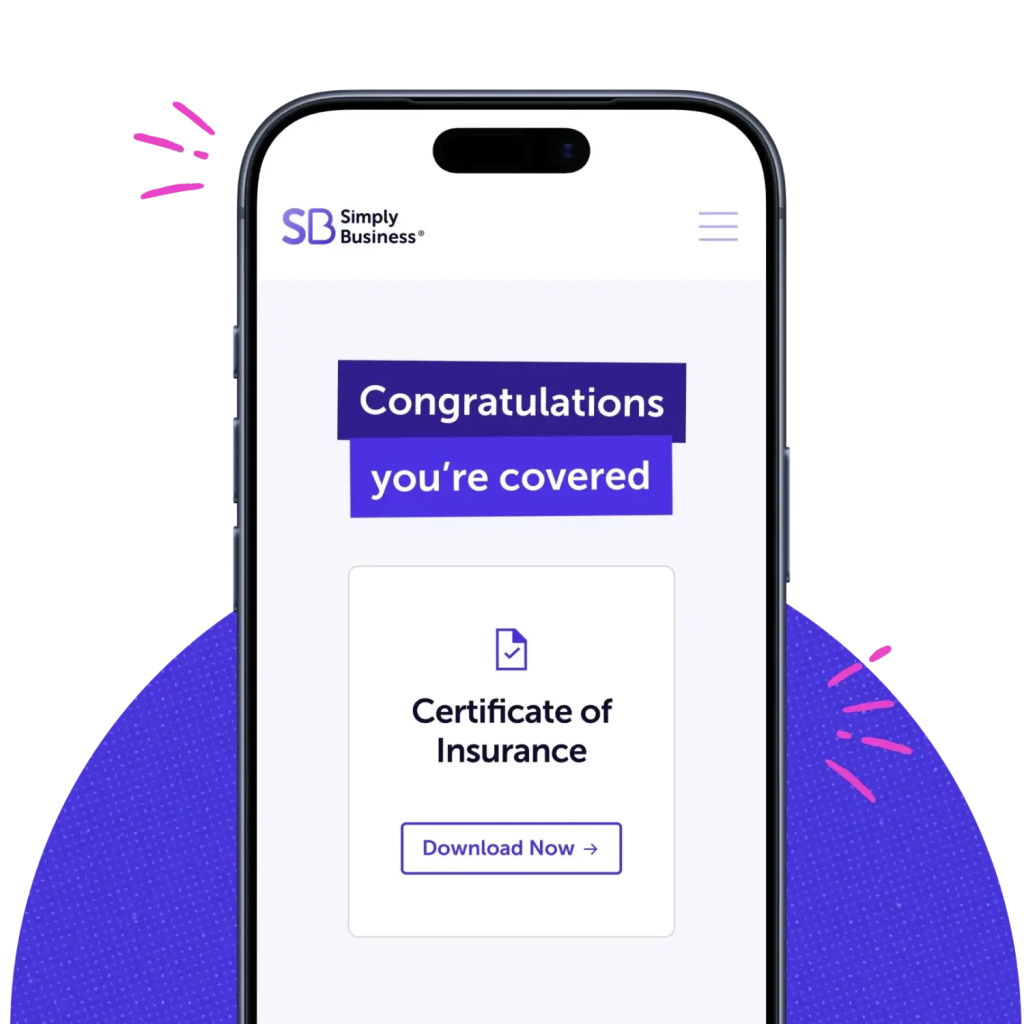
Instant Access: Simply Business COI and Policy Documents
Your Simply Business account puts everything you need in one place – from policy documents to your certificate of insurance (COI). This way, you can spend less time on busy work and more time running your business.
From policy documents to payments and updates, here’s how to manage your account quickly and confidently.

Access your account and COI.
Your account and documents are available 24/7.
To log in: Visit the Simply Business sign in page and enter the email address and password you used when you purchased your policy.
To create an account: If you haven’t logged in before, select “First time signing in?” and enter your email address so we can send you instructions to create a password.
Once logged in, you’ll have a clear view of your coverage, documents, payments, and account details.

Where to find and download your COI and policy documents.
Need proof of coverage right now? Your COI and policy documents are easy to find and available instantly.
- Select “Certificates” from the left hand menu.
- Download your Certificate of Insurance and full policy documents anytime. Save them to your phone for easy access.

Make account and policy updates.
Keeping your information current helps ensure your policy stays accurate.
To add an additional insured:
- Sign into your account
- Click on the “Get a certificate of insurance” button
- Click through and fill in the requested information
To update your contact information:
- Select “My Details” from the left hand menu.
- Edit your email, phone, password and business address, and make sure to save any changes.

Manage payments and billing.
Need to change the card or bank account on file? We make it fast, easy, and secure. Changes take effect right away, helping you avoid missed payments.
- Select “Billing & Payments” from the left hand menu and “Update card details”.
- You can also view your payment schedule and history.

Cancel your Simply Business policy: What you need to know.
If your business needs change, we’re here to help you understand your options. You can cancel anytime. We’ll make the process clear and straightforward.
Still need help?
Contact our licensed agents.
Sometimes it’s easier to talk questions through — so reach out anytime.
Our licensed agents are happy to help with:
- Policy changes or questions
- Certificates and additional insured requests
- Billing or payment concerns
- Coverage guidance as your business evolves
Just call (855) 869-5183
We’re here Monday-Friday: 8am-8pm ET

Still need help?
That’s what we’re here for.
Sometimes it’s easier to talk questions through — so reach out anytime.
Our licensed agents are happy to help with:
- Policy changes or questions
- Certificates and additional insured requests
- Billing or payment concerns
- Coverage guidance as your business evolves
Just call (855) 769-6958
We’re here Monday-Friday: 8am-8pm ET
Our +1 million customers are big fans. And you will be too.

I went online, looked around, and found Simply Business. The process was so seamless. I got my certificate within minutes. It was just phenomenal.

Karen
Owner of Tangaza Bath & Body Studio LLC
With Simply Business I know I can look at different carriers, but also see all my stuff in the same place… a lot of [insurance] providers don’t offer a variety of coverage, all in one place.

Jef
Owner of Bunker83 LLC
It wasn’t overwhelming to figure out what was covered and what wasn’t covered. And the cost was competitive.

Kim
Owner of Room to Breathe Professional Organizing