IT consultant insurance
One application, multiple quotes.
All in one place.
Essential Protection
From
$25.83
/month*
Can provide coverage if a client claims there was a mistake in the professional services you provided.
What’s included:
Professional Liability / Errors & Omissions
Coverage limits: $100K to $3M†

Get multiple quotes in less than 10 mins
Essential Protection
From
$25.83
/month*
Can provide coverage if a client claims there was a mistake in the professional services you provided.
What’s included:
Professional Liability / Errors & Omissions
Coverage limits: $100K to $3M†
Get multiple quotes in less than 10 mins
Would you rather pick and choose your coverage? Explore all options
Over 1 million customers worldwide.


Buy instantly online.

Written by
Why Does an IT Consultant Need Insurance?
As an IT consultant, your work keeps businesses connected and protected. But one unexpected glitch could cause a system crash or data loss. IT consultant insurance helps provide a financial safety net against professional errors, third-party accidents, and employee-related risks, so you can stay focused on solving your clients’ toughest tech problems.
Below are some of the most common types of insurance policies that IT consultants carry to stay protected.
What Type of IT Consultant Insurance Do I Need?

From
$25.83
/month*

General Liability
A foundational insurance coverage to help handle costs from third-party accidents, property damage, and bodily injury.
From
$20.75
/month*

Workers’ Comp
Coverage to help take care of employees who get sick or injured on the job. Most states require this coverage for small businesses with full- or part-time employees. It also can benefit business owners who don’t have employees.
From
$38.91
/month*
Business insurance —
a quick explainer
Learn more about policies for small businesses, what they cover, why you might need them, and how we can help – all in just 60 seconds.
Business insurance is often made up of different types of policies to cover different things, similar to how your health insurance can be made up of medical dental and vision coverage. Here are some of the ones small business owners need. General liability is kind of the Swiss army knife of insurance. It can do a lot, like help handle costs from third party accidents, property damage, bodily injury, and more. Nobody’s perfect, right? That’s what professional liability is for. It could come in handy in the event of honest mistakes or claims of negligence. Workers’ comp can protect your business and help take care of employees who get sick or injured on the job. Small businesses are big targets for cyber criminals. Cyber Insurance can help cover costs associated with stolen customer data, cyber attacks, breaches, and fraud. BOP or a business owners policy combines different types of coverages like general liability and commercial property insurance. Putting them together for you is where we come in. You tell us a bit about your business online or on the phone, and we customize the coverage options for what you do and what you need. It’s your business, it should be your insurance as well. That’s why we’re here.
What Does IT Consultant Insurance Cover?
A damaged laptop, a potential negligence claim, or a jobsite injury — the right coverage can help safeguard your business and peace of mind. Here’s how IT consultant insurance can protect you from these common risks:

Imagine you’re at a client’s office for a consultation and accidentally spill coffee on their high-end laptop, or knock over an expensive monitor while walking to the server room. General liability insurance can help cover the repair or replacement costs if you accidentally damage a client’s physical equipment while on the job.

A client blames your software recommendation for lost sales after a system crash. Professional liability insurance, also known as errors and omissions, could help cover your legal defense costs and damages if you’re held liable for a client’s financial loss.

Your assistant trips over a loose network cable and sprains their ankle. Workers’ compensation insurance can help cover the medical bills and provide wage replacement as they recover.
Workers’ comp is often legally required and can protect your business from costly claims, as well as taking care of your crew if they get sick or injured on the job. Even if you operate solo, we recommend workers’ comp, since many health insurance policies won’t cover work-related injuries. It’s best to check the requirements for your specific state and location.

What Does IT Consultant Insurance Cost
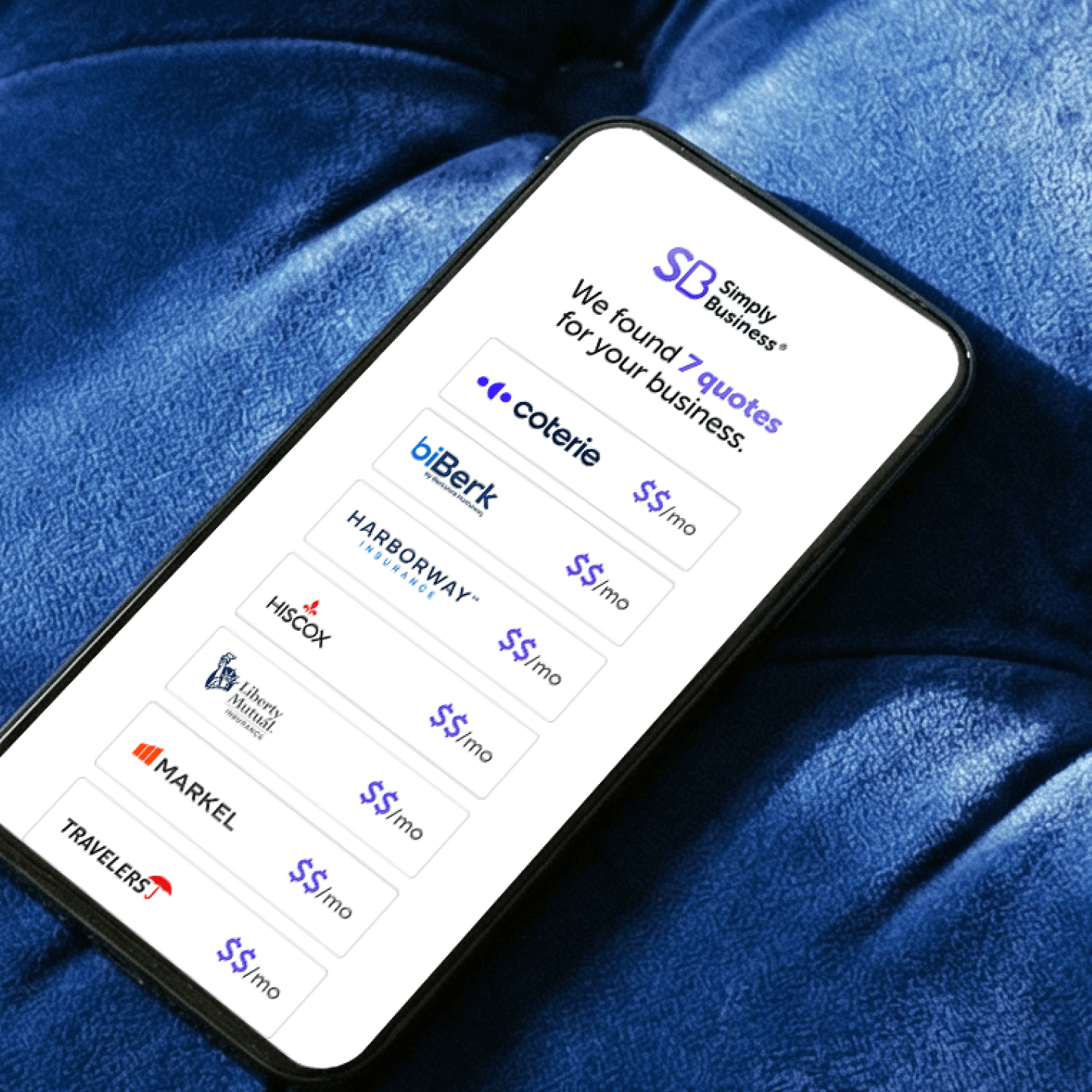
Try our insurance calculator.
Get a quick estimate in just 3 steps.
Answers to More IT Consultant Insurance Coverage Questions
IT consultant insurance is a combination of coverages designed to protect your business from the unique financial and legal risks of the tech industry.
Most states require you to carry workers’ compensation insurance if you have employees. And some clients may require proof of professional liability or general liability coverage before signing a contract. We recommend reviewing both your state regulations and any client agreements to make sure you’re covered.
Standard general liability and professional liability policies typically don’t cover your own business equipment. For that, you’d want to look into inland marine insurance, which is designed to help protect portable business equipment on the go.
General liability insurance typically includes coverage for third-party property damage, like spilling coffee on a client’s desk. However, standard policies usually exclude damage to property you are actively working on (known as the Care, Custody, or Control exclusion). So if you accidentally damage a client’s server or other equipment while you’re installing hardware, you may need a specific endorsement or your professional liability policy may help cover the claim.
This is another scenario where professional liability insurance could help. If a client claims that a software update you installed caused downtime or lost revenue, your policy may help cover any legal costs and resulting settlements.
Professional liability insurance, also known as errors and omissions, is designed to help cover negligence claims that arise from your professional services. If a client alleges that a mistake during a system configuration or file migration led to lost or corrupted data, professional liability could help cover legal defense costs and damages, even if the error wasn’t yours.
Professional liability insurance can help cover your legal defense if a client sues you for an error that led to a breach. However, for comprehensive protection against data breaches—including ransomware, notification costs, and credit monitoring—you may need specialized Cyber Insurance.
The cost for your insurance coverage is usually determined by:
- The type of work you do
- Where your business is located
- Your annual revenue
- The types of policies and limits you choose.
Other factors can include your claims history and how long you’ve been in business.
COIs for most insurance policies are available as soon as you purchase your policy. Once available, Simply Business provides instant digital certificate of insurance access through your online account any time of day. So if a client needs proof of coverage, you can pull your COI and send it over in minutes.
If you’re thinking of buying IT consultant liability insurance, we recommend having the following information on hand when using our IT consultant calculator:
- The state where you do business
- Your type of business or trade
- Your annual revenue estimates.
This information can make it easier to get a quote from one of our insurers.

Why Small Businesses Choose Simply Business
Small business insurance is what we do. Whether it’s covering you for accidents and errors, meeting workers’ comp requirements, or financially protecting your business from the unexpected, we can help find the coverage you need for your business.

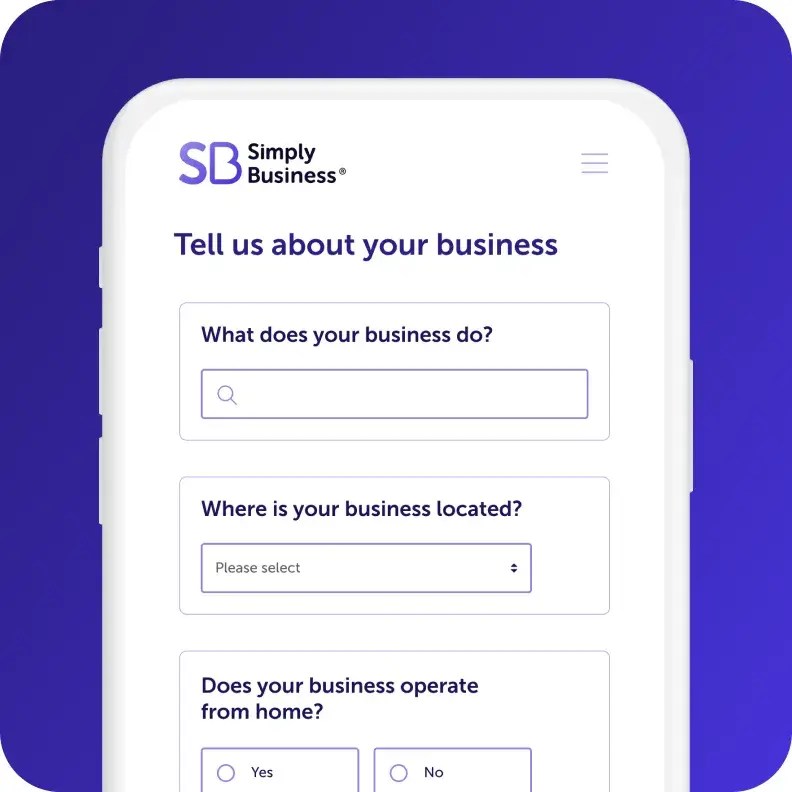
Start your quote
Answer a few questions about
your business in one form.

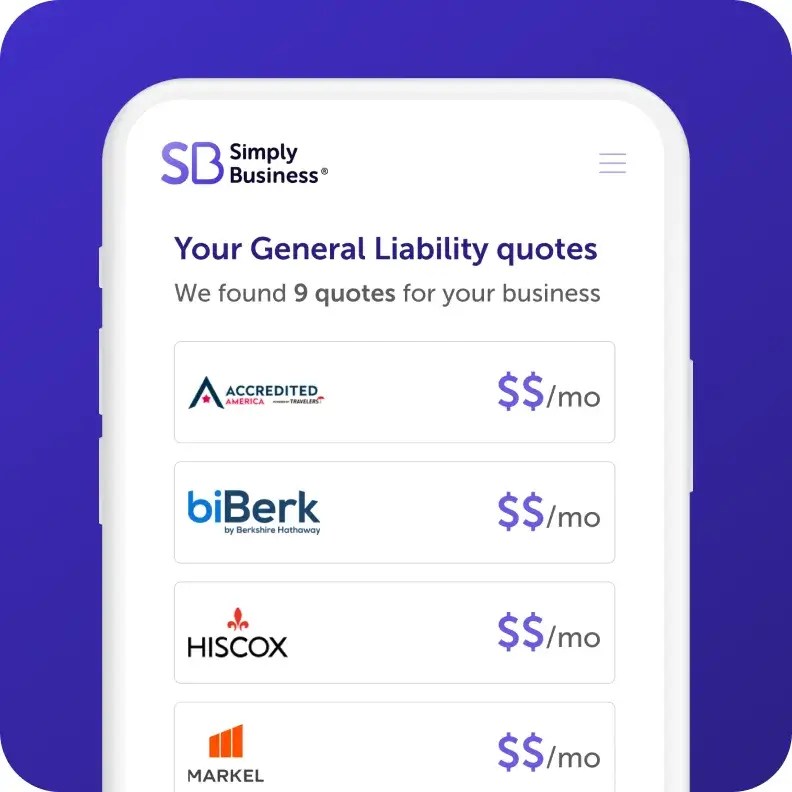
Review quotes
Compare quotes side by side from top-rated insurers and customize your coverage.

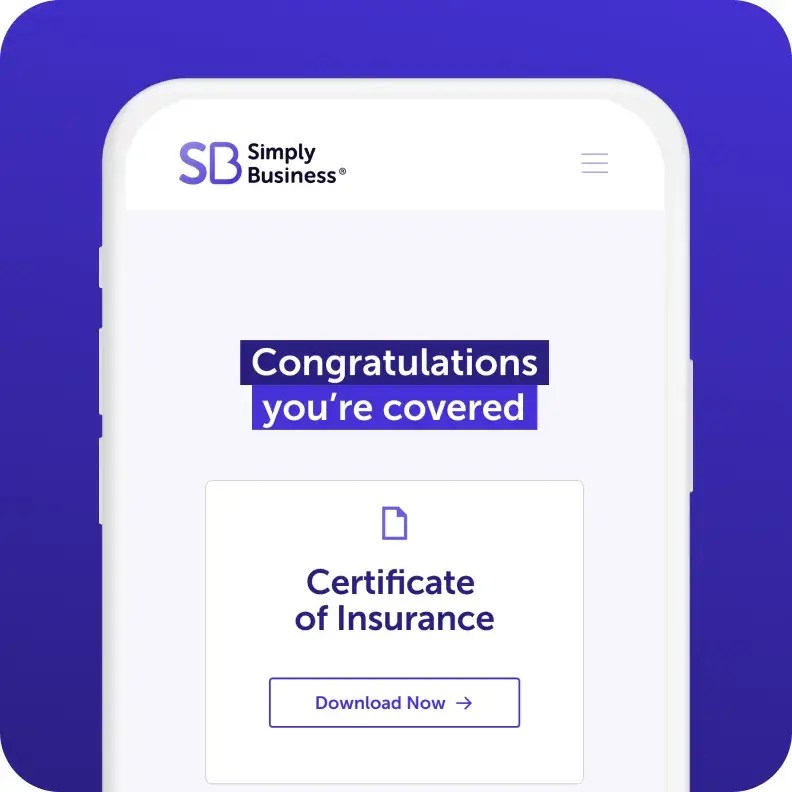
Get protected in minutes
Choose your policy, and get instant proof of insurance – all online, and all within 10 minutes.
Written by
Our +1 million customers worldwide are big fans. And you will be too.

I went online, looked around, and found Simply Business. The process was so seamless. I got my certificate within minutes. It was just phenomenal.

Karen
Owner of Tangaza Bath & Body Studio LLC
With Simply Business I know I can look at different carriers, but also see all my stuff in the same place… a lot of [insurance] providers don’t offer a variety of coverage, all in one place.

Jef
Owner of Bunker83 LLC
It wasn’t overwhelming to figure out what was covered and what wasn’t covered. And the cost was competitive.

Kim
Owner of Room to Breathe Professional Organizing
Feel confident in your choice.
We partner with a range of top-rated carriers and use smart technology to match you with policies that fit your specific business, your risks, and budget.

400+
business types covered

1M+
customers worldwide

18
top-rated carriers






We’ve Got More Helpful Information



*The displayed price for each product is a monthly estimate calculated from the 10th percentile of relevant policies sold by Simply Business (e.g., General Liability data is used for General Liability estimates). This estimate uses data from relevant policy sales between July–December 2025. Final price and payment terms, which may include an initial down payment, are subject to change based on your state, selected insurance provider, and specific business details.
† Limits may vary by state and nature of your business.
Page last updated: